
Upload a .CSV to create or edit team members in your account
Whether you are new to Paperless Parts and need to create an account for each member of your team, or you want to make sure only a few senior estimators have edit access to the Configure page, the new Bulk Edit Team tool helps you quickly update team members and their permissions.
With this action, users with Administrator permissions can now create or update many team member records at once by uploading a .CSV. This makes it less manual to update multiple users at once and easier to visualize permissioning across your team.
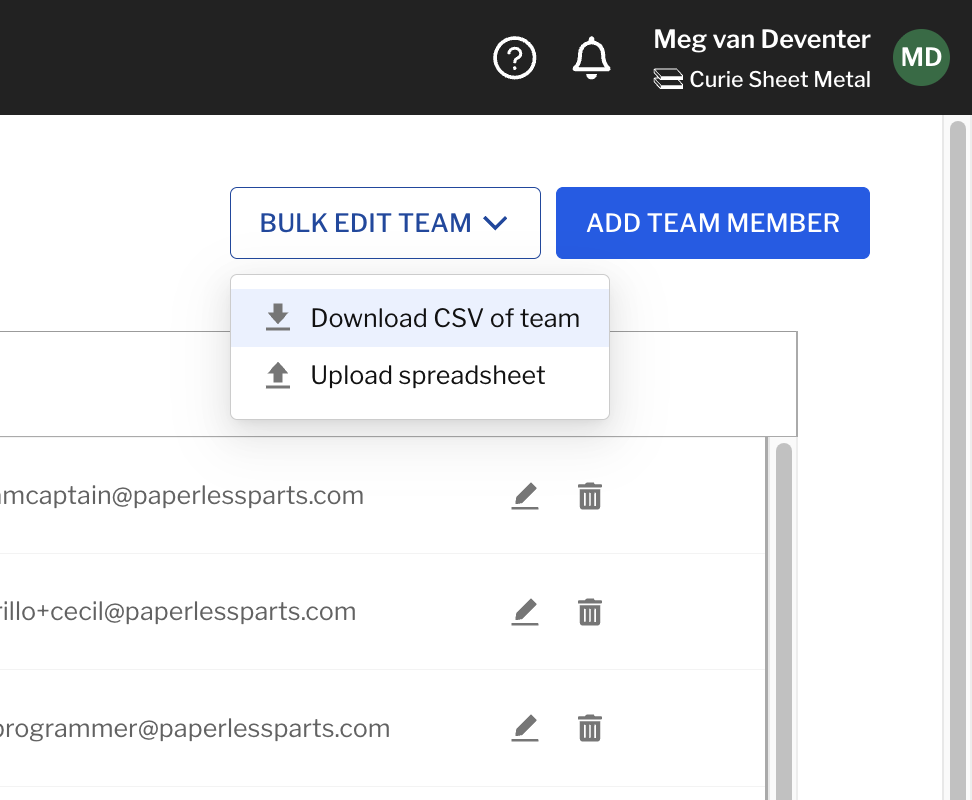
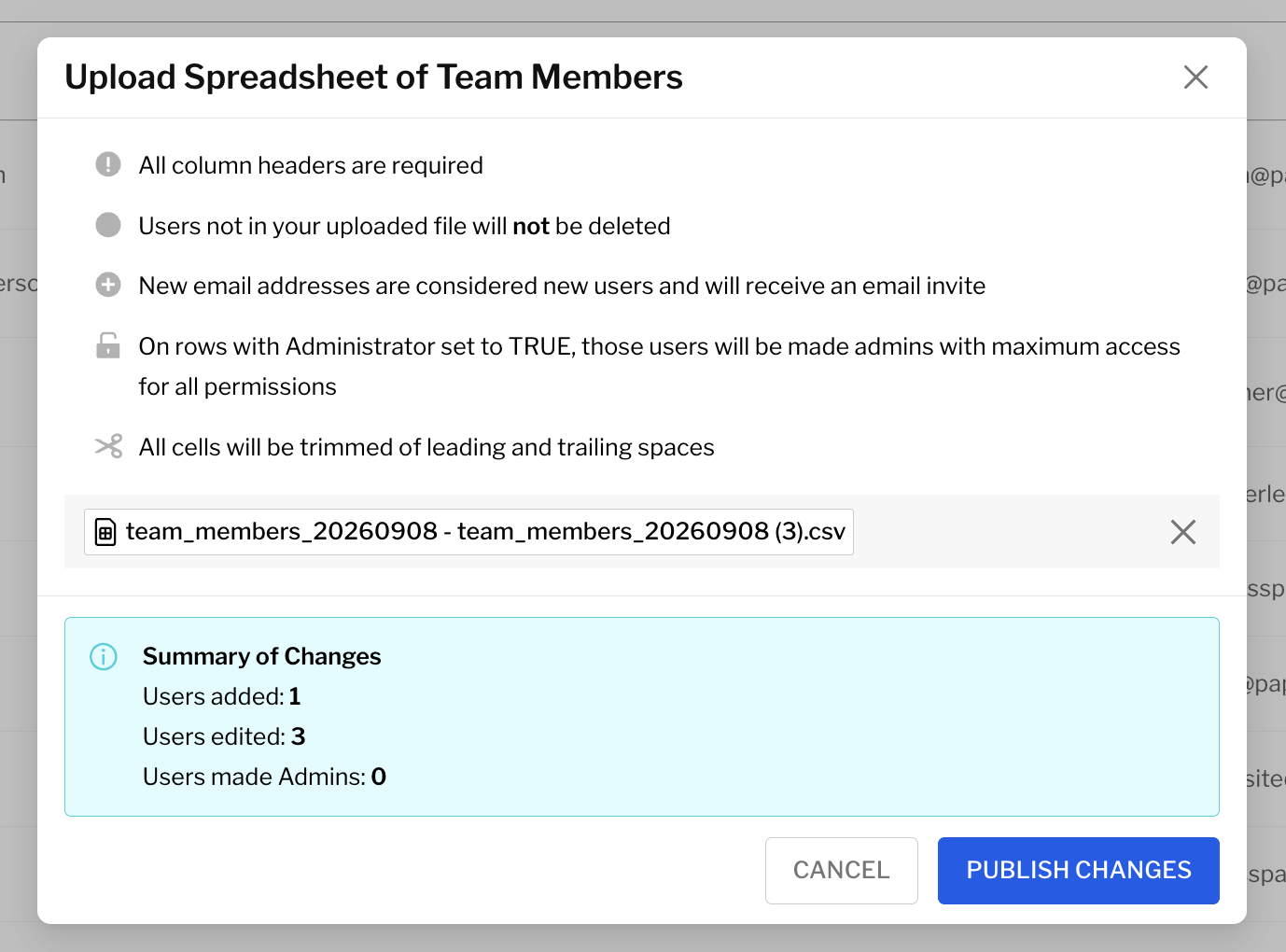
Learn more about bulk editing team members here.